
I need to update my addressUpdated 6 days ago
You can update your account details, including your saved address and payment information, by logging into your customer portal here.
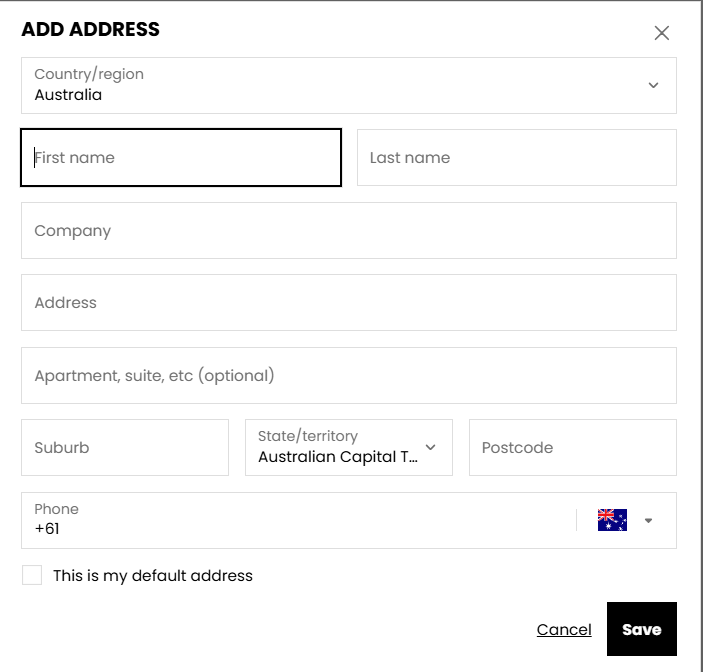
From the dropdown menu, select Profile to view or update your details. You can manage your saved addresses from this page by scrolling to Addresses and selecting Edit on your default address, or Add to save a new one.
If you have multiple addresses saved, please ensure the correct one is marked as your default address. This will be used for future orders placed through your account.
To do this:
- Navigate to the Manage Subscription tab.
- Select View and Manage Order for your upcoming subscription.
- Under Order Details, click Edit to update the delivery address for your next scheduled order.
Please note that updating your account address will not automatically update the address linked to an existing subscription.
If you have any issues or require support with your subscription, please reach out to our Customer Service team at [email protected] and we can update these details for you.